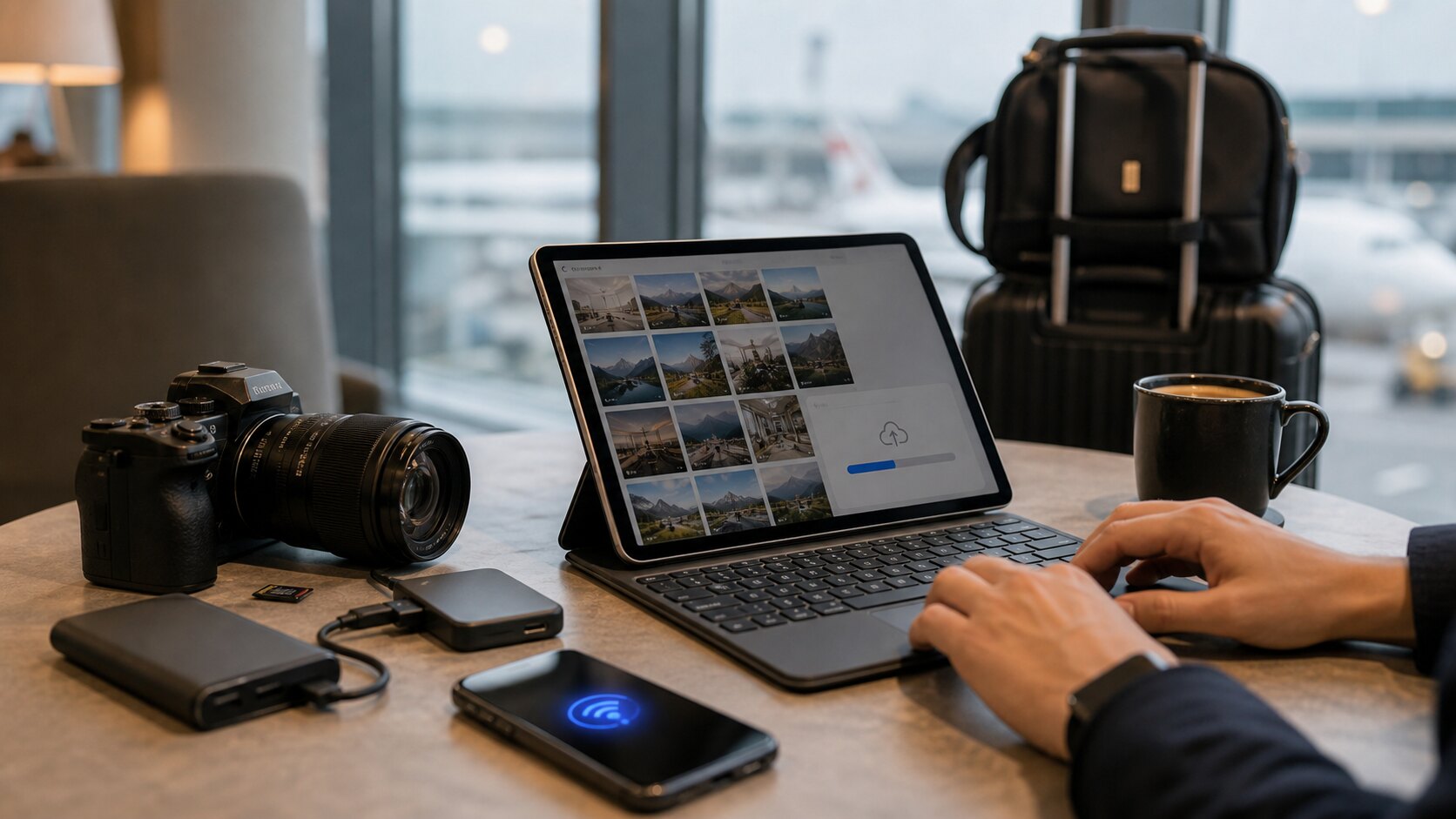
The real test for photo delivery is not the perfect studio day. It is the travel day: 217 photos, 3GB of files, a client waiting, and an internet connection that feels borrowed. The right workflow lets you keep moving without turning the delivery into a late-night technical problem.
Prepare the collection before the upload
Do a quick local pass before sending files anywhere. Remove accidental bursts, obvious duplicates, screenshots, and images that are too blurred or dark to be useful. The goal is not perfection; the goal is to avoid wasting upload time on files that should never reach the client.
Keep folder names plain and human. A name like Coastal Villa Inspection - May 2026 is easier to recognise later than a camera import folder or a client nickname. When bandwidth is limited, clarity saves time.
Upload in a way that can survive interruptions
Large photo collections should not depend on one fragile browser moment. Use a product that is designed for many files and lets you see upload progress clearly. If the connection drops, you need to know what has finished and what still needs attention.
Avoid splitting the same client job across multiple consumer cloud folders just to make the upload feel smaller. That usually creates more work later when the client asks which folder is the final one.
Share a private link as soon as the gallery is usable
When the client only needs to view the set, they do not need every original file before they can start. A private gallery gives them a clean place to review the collection while processing continues in the background.
This is especially useful for property, event, tourism, and field-service businesses. The client gets movement today, not a promise that the files will arrive after you get back to the office.
Keep the original files under control
Fast delivery should not mean losing the master copy. Keep originals preserved, avoid destructive edits, and make sure any shared version can be traced back to the source. That is the difference between a fast workflow and a risky one.
Lumera is shaped for this exact rescue scenario: upload, clean up, and share privately without asking a non-technical owner to understand Photoshop, Canva, FTP, or a heavy pro gallery stack.
Make a travel upload plan before you need it
The worst time to invent an upload workflow is when you are tired, on hotel Wi-Fi, and a client is waiting. Decide in advance how you will name galleries, where originals stay on your device, what you will upload first, and what you will do if the connection fails halfway through a batch.
A practical travel plan is simple: keep originals on your camera card or local drive, create one clearly named gallery, upload the strongest client-needed set first, then add secondary images if the connection allows. That way the client gets something useful quickly and you still keep control of the master files.
Prioritise images by client urgency
Not every image has the same value on the day of delivery. A property client may need the hero room shots first. An event sponsor may need brand moments. A tourism operator may need the best exterior and experience photos before the full archive. Uploading everything in camera order can delay the images that matter most.
When bandwidth is weak, create a first-pass set of the images that unblock the client. Once that gallery is live, you can continue uploading the wider collection. This is a more humane workflow because the client sees progress and you are not trapped waiting for a perfect all-or-nothing transfer.
Avoid the common hotel Wi-Fi mistakes
Do not start a huge upload and close the laptop immediately. Do not rename folders halfway through delivery. Do not send the client a link before you have opened it yourself. Do not rely on messaging apps to preserve full-resolution files. Do not delete cards or local copies just because an upload looks finished.
A better rhythm is upload, confirm processing, open the gallery as a viewer, check a few images on mobile data, then send the link. These small checks feel boring until the day they prevent a client from receiving a broken or incomplete gallery.
Keep a calm fallback
Sometimes the connection is simply not good enough. In that case, send the client a private gallery with the best available preview set and be honest about when the larger set will follow. A clean partial delivery is better than a vague promise and no images.
The point is to maintain trust. Clients can handle a practical update: "The first 48 images are live for review. I am uploading the remaining originals overnight and will keep the same link updated." That is far better than leaving them wondering whether anything is happening.
Work in batches when the connection is unreliable
A large travel upload becomes less stressful when you think in batches. Start with the images that let the client take action today: the hero shots, proof set, inspection evidence, or sponsor images. Then add the supporting images. Finally, upload the wider archive or originals when the connection is stronger.
This is not a compromise in quality. It is a delivery strategy. Clients usually care more about timely access to the right first set than immediate access to every file in the order your camera produced it.
Protect your local copy until the job is truly done
Do not clear camera cards, remove local folders, or assume the upload is complete just because the browser stopped moving. Wait until the gallery shows the expected images, processing states are settled, and you have opened the link as a viewer. If originals matter, keep a second local copy until you are back on a stable connection.
The most painful travel mistakes are usually not upload failures. They are premature cleanup decisions made after a long day. Treat local originals as your safety net until the client confirms the gallery is usable.
Tell the client exactly what stage the gallery is in
When working from the road, it is fine to be transparent. Say whether the gallery is a first review set, a final delivery, or a partial upload that will continue to fill in. Clear status prevents the client from judging an in-progress gallery as if it were the final handover.
A useful line might be: "The first review gallery is live now with the strongest 60 images. I am continuing the remaining upload tonight and will keep the same private link updated." That gives the client confidence without pretending the constraints do not exist.
A simple way to put this into practice
Choose one upcoming gallery and apply the guide deliberately rather than trying to redesign your whole workflow at once. Set the gallery name, check the access risk, clean up the images that create confusion, open the link as a viewer, and write a short message that tells the recipient what to do next.
After the client responds, note what caused friction. If they asked for a download, missed the expiry date, forwarded the link too widely, or were unsure whether the gallery was final, adjust your defaults. Good photo delivery improves one real job at a time.
Keywords: upload large photo collection, share photos while travelling, private photo gallery upload, client photo delivery.