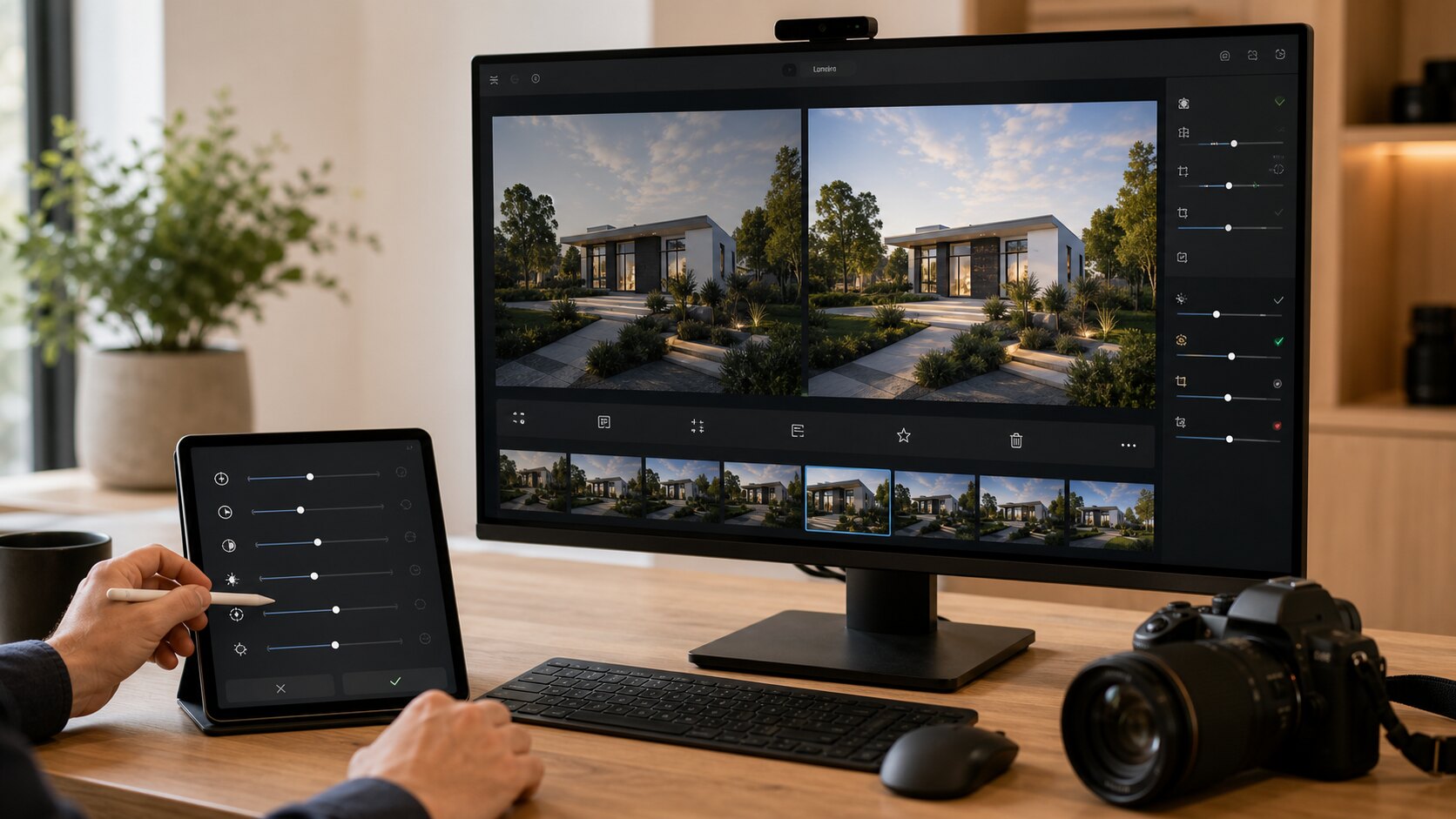
Not every delivery needs a deep retouch. Most everyday galleries need something simpler: remove the obvious mistakes, make the set easier to view, preserve the originals, and share a polished private gallery link. That is the cleanup workflow Lumera is built around.
Remove images that create doubt
Start by removing duplicates, test shots, accidental frames, and images that would make the client wonder whether the gallery is finished. A small amount of curation has an outsized effect on trust.
If two images say the same thing, keep the stronger one unless the client specifically needs options. Less clutter makes the gallery easier to understand.
Fix the simple presentation problems
Sideways images, crooked crops, dark previews, and soft frames distract from the work. These are not advanced creative edits; they are basic delivery hygiene.
A simple cleanup pass should be fast enough that normal business users actually do it. If the workflow requires opening a heavy editor for every image, it will be skipped under pressure.
Preserve originals while improving the gallery
Non-destructive editing matters because the original file may still be needed later. A gallery can present a cleaner version while keeping the untouched source available for records, re-edits, or client requests.
This is especially important for property, events, travel, and client service work where a photo may be both a presentation asset and a record of what happened.
Finish with a viewer pass
Before sending the link, open the gallery as a viewer. Scan the first screen, move through a few images, test the download expectation, and check whether the gallery title and cover image make sense.
That final pass turns a batch of uploaded files into a client-ready delivery.
Define what cleanup means for the job
Cleanup does not always mean making every image beautiful. For an inspection record, cleanup may mean removing accidental shots and rotating images correctly. For a client gallery, it may mean choosing the strongest version of a scene. For an event recap, it may mean removing duplicates and anything unflattering.
The point is to make the gallery easier to use. If an edit does not help the recipient understand, approve, download, or enjoy the images, it may not be worth doing before delivery.
Use a simple first-pass order
A practical cleanup order is reject, rotate, crop, brighten, review downloads, then send. Reject the images that should not be there. Rotate anything sideways. Crop only when it improves clarity. Brighten images that are hard to read. Then check what the viewer can download.
Following the same order keeps the work from sprawling. It also helps non-technical team members understand what "clean up the gallery" actually means.
Do not over-edit operational photos
Some photos are records, not artwork. Property inspections, maintenance images, client approvals, and event documentation may need to stay close to what was captured. Heavy edits can make those images less trustworthy.
For these jobs, focus on presentation problems that prevent understanding: wrong rotation, accidental duplicates, severe darkness, or unnecessary clutter. Keep originals preserved so the business can return to the source if needed.
Create a final approval habit
Before sending any cleaned gallery, open it in the same way the client will. Check the first impression, skim the set, test a download if enabled, and read the gallery title out loud. If something feels confusing to you, it will probably feel confusing to the client.
That final approval habit is small, but it is what turns photo cleanup from a vague intention into a reliable delivery workflow.
Give yourself a time box
Simple cleanup works best when it has a boundary. For a routine client gallery, give yourself a fixed pass: remove clear rejects, fix obvious orientation issues, brighten only what needs it, and stop before you drift into subjective perfection. The point is delivery quality, not endless polishing.
A time box also helps teams. It tells a non-technical user that cleanup is allowed to be practical. They do not need to become an editor; they need to make the gallery clearer and safer to send.
Know when to leave an image out
Sometimes the best cleanup decision is removal. If an image is unflattering, confusing, repetitive, too dark to interpret, privacy-sensitive, or likely to distract the client, ask whether it belongs in the shared gallery at all. Keeping everything can make the final set weaker.
This is especially true for client-facing work. The gallery should represent the service you meant to deliver, not every frame that happened to be captured.
Turn cleanup into a reusable operating habit
After a few jobs, write down the cleanup issues you see repeatedly. Maybe one team member forgets to rotate phone images. Maybe property interiors are often too dark. Maybe event uploads include too many near-duplicates. These patterns can become your pre-delivery checklist.
That is where cleanup becomes operationally useful. It stops being a vague aesthetic task and becomes a repeatable way to reduce client confusion, protect privacy, and make every private gallery easier to use.
A simple way to put this into practice
Choose one upcoming gallery and apply the guide deliberately rather than trying to redesign your whole workflow at once. Set the gallery name, check the access risk, clean up the images that create confusion, open the link as a viewer, and write a short message that tells the recipient what to do next.
After the client responds, note what caused friction. If they asked for a download, missed the expiry date, forwarded the link too widely, or were unsure whether the gallery was final, adjust your defaults. Good photo delivery improves one real job at a time.
Keywords: photo cleanup workflow, client gallery delivery, non-destructive photo editing, private photo gallery.