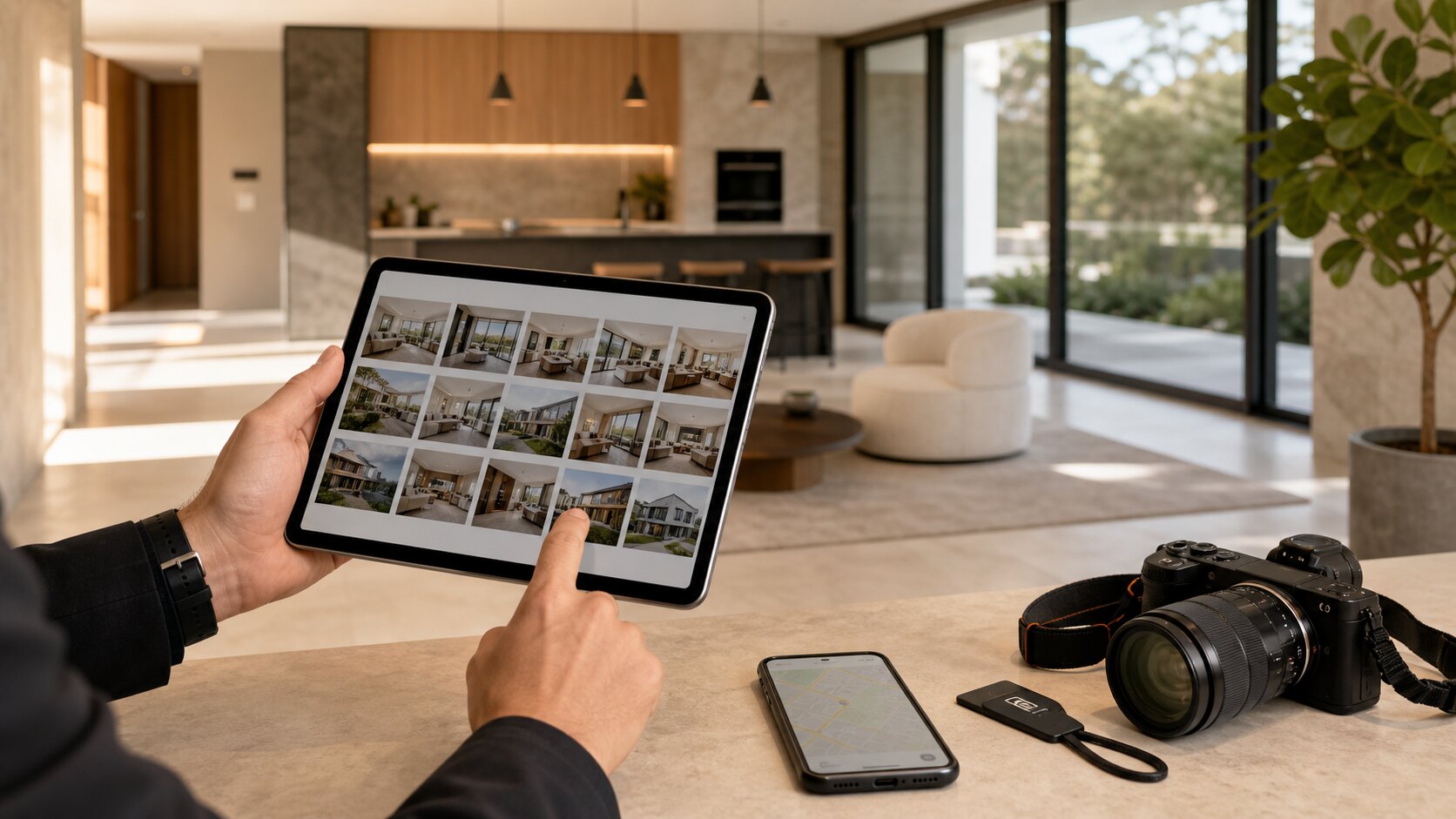
Property teams work with images that are both useful and sensitive. A gallery may show a private home, a rental condition, a listing before launch, a resort, a renovation, or a client asset. The delivery needs to be fast, but it also needs to be controlled.
Separate working photos from client-ready photos
Property work often creates a mix of reference images, detail shots, wide shots, and final marketing images. Do not send that whole camera roll to the client unless the job is specifically an inspection record. A private gallery should show the set the recipient actually needs.
For listings and accommodation, lead with the strongest images. For inspections, organise the gallery around rooms, zones, or issues so the viewer can understand the record quickly.
Use privacy settings as part of the workflow
Private homes, guest spaces, access points, valuables, children, staff, and unfinished worksites can appear in property photos. A private link is useful, but a password and expiry date may be appropriate for sensitive jobs.
Download controls matter too. A vendor may need review access before marketing images are approved. A property manager may need originals for records. A contractor may only need to view a small set. Match downloads to the job.
Move faster without making the gallery messy
Speed is not the same as dumping files. A quick pass for duplicates, dark interiors, sideways images, and accidental frames makes the gallery more credible. If the client has to sort the mess, the tool has only moved the work from you to them.
Lumera helps property teams keep the flow simple: upload the batch, clean up the obvious issues, and share a private gallery link that works on the client's phone or laptop.
Keep an audit-friendly record
For inspections and property updates, the gallery can become part of the record. Keep original files preserved and avoid destructive edits that erase what was originally captured.
A clean client gallery and preserved originals can coexist. That balance is ideal for teams that need professional presentation without losing evidence or context.
Build galleries around decisions
Property photos usually exist to support a decision: approve a listing, review a rental condition, choose hero images, document damage, brief a contractor, or update an owner. The gallery should be organised around that decision instead of around the order images came off the camera.
For marketing, lead with the strongest and most representative images. For inspections, keep sequence and context. For maintenance, group by issue or location. The same photo tool can support all three, but only if the gallery structure matches the job.
Be careful with private-location clues
Property images can reveal addresses, access points, security systems, valuables, floor plans, children's rooms, vehicles, and neighbour details. Some of those details may be useful for the work, but they should not be casually exposed to everyone who receives a link.
Before sharing, decide whether the gallery is for public marketing, owner review, internal records, or contractor access. Each audience needs a different level of detail and download permission.
Use expiry to match the property lifecycle
A listing gallery may only need to exist while a campaign is active. An inspection gallery may need to stay available for a lease or dispute period. A renovation update may only need a short review window. Expiry settings help the gallery reflect that lifecycle.
This avoids the common problem of old property links floating around long after they are useful. It also gives clients confidence that private spaces are not being left open indefinitely.
Keep originals for record integrity
If a property photo may be used as a record, keep the original. Simple presentation cleanup is useful, but destructive edits can create questions later if someone needs to know what was actually captured.
A good property workflow separates presentation from preservation. The client sees a clean gallery, while the business keeps originals available for compliance, dispute resolution, or future reference.
Use different galleries for different property audiences
A vendor, buyer, contractor, owner, tenant, and marketing team should not always see the same gallery. The vendor may need approval images, the marketing team may need the polished final set, and a contractor may only need issue-specific evidence. Separate galleries or carefully curated sets reduce privacy risk and confusion.
This is especially important when one property produces both marketing assets and operational records. The photos may come from the same visit, but the audience and purpose are different.
Document condition without overwhelming the viewer
Inspection and condition photos need enough coverage to be useful, but they still benefit from organisation. Group images by room, area, issue, or timeline. Remove accidental frames and make sure any key detail has enough context for someone who was not there.
A close-up of damage is more useful when the previous or next image shows where it is. A gallery that preserves context can save a property manager or owner from extra calls later.
Create a handover habit after each visit
After a property visit, upload the set while the details are fresh. Name the gallery clearly, remove non-useful frames, set privacy controls, and send the link with a short note about what the recipient should review. Do not leave delivery until the end of the week when every property starts to blur together.
Fast handover helps clients, but it also protects your own memory. The sooner the gallery is organised, the easier it is to explain what each image means.
A simple way to put this into practice
Choose one upcoming gallery and apply the guide deliberately rather than trying to redesign your whole workflow at once. Set the gallery name, check the access risk, clean up the images that create confusion, open the link as a viewer, and write a short message that tells the recipient what to do next.
After the client responds, note what caused friction. If they asked for a download, missed the expiry date, forwarded the link too widely, or were unsure whether the gallery was final, adjust your defaults. Good photo delivery improves one real job at a time.
Keywords: real estate photo delivery, property private photo gallery, private listing photos, accommodation gallery software.