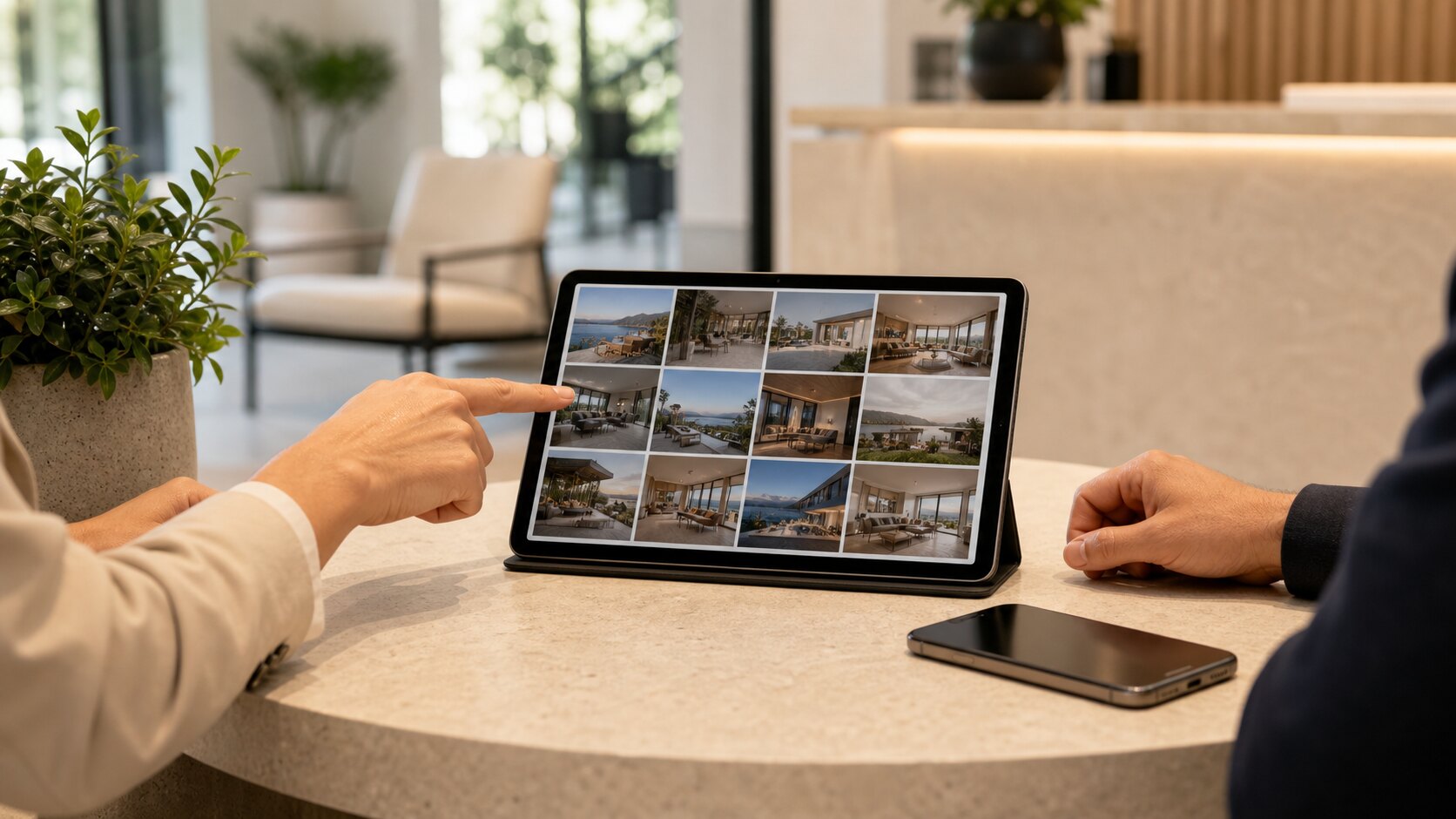
A good client gallery should feel effortless. The client should open one private link, understand what they are looking at, and know exactly how to view, save, or approve the images. That is hard to achieve with email attachments, cloud-drive folders, or a stream of individual files.
Start with the delivery moment
Before you upload anything, decide what the client needs to do next. A real estate agent may need to download a final set for a listing. A venue manager may need to forward a private gallery to a small team. A family client may only need to view and share the link with grandparents. The gallery should be organised around that job.
Use one gallery title, one short note, and one clear link. Avoid sending five separate folders with names like final, final-new, and final-use-this-one. The less the client has to interpret, the more professional the delivery feels.
Keep access private by default
A private photo gallery link is easier for clients than a login, but it still needs care. Treat the link like an access credential. Send it only to the people who should see the images, use a gallery password when the content is sensitive, and set expiry rules when the gallery only needs to be available for a campaign, listing, event, or approval window.
If downloads are not needed, leave them off. If clients need originals, make that choice deliberate. Good privacy is not complicated; it is a set of small decisions made before the link leaves your inbox.
Clean up before you share
Clients notice simple things: crooked horizons, duplicate shots, dark interiors, and images that clearly should not be in the final set. You do not need a heavy editing workflow for every delivery, but you do need a calm pass that removes the obvious friction.
Lumera is built around non-destructive cleanup, so originals stay preserved while the shared gallery presents the version you want clients to see. That matters for normal businesses that need speed without losing control of the source files.
Make the gallery feel like part of your service
The delivery page should carry your professionalism. Use a clean gallery name, a cover image that explains the job, and download settings that match the engagement. For business galleries, client branding and hidden Lumera branding can help the experience feel more like a prepared handover than a generic file dump.
The result is simple: fewer confused replies, fewer missing files, and a client who feels looked after.
Choose settings by client risk, not habit
A private gallery for a public cafe opening is not the same as a private gallery for a family, an unpublished property listing, or a confidential corporate event. Before sending the link, ask what could go wrong if the gallery was forwarded to the wrong person. That one question usually tells you whether you need a password, expiry date, disabled downloads, or a smaller approved set.
For low-risk work, a long private link may be enough. For homes, children, staff events, pre-launch products, legal records, or sensitive client projects, add a password and keep downloads limited until the client confirms who needs access. The aim is not to make the gallery difficult. The aim is to match the access controls to the real-world sensitivity of the photos.
Write the message that goes with the link
The gallery itself should be clean, but the message around it matters too. A useful delivery email says what the gallery contains, whether images are final or for review, whether downloads are enabled, and what the client should do next. Without that context, clients often reply with questions the gallery could have prevented.
A simple version is enough: "Here is your private gallery for the May inspection. You can view the images on mobile or desktop. Downloads are enabled for the approved final set. The link will stay active until 20 June. Please reply with any image numbers you want removed before we share the final version." That kind of message saves time because it answers the obvious questions before they become admin.
Use one gallery as the client source of truth
Many delivery problems begin when a client receives too many places to look: a Dropbox folder, an email attachment, three revised ZIP files, and a text message with a few favourites. Once that happens, no one is completely sure which file is current. A private photo gallery should be the single client-facing source of truth, even if your internal workflow has more steps.
If you need to revise the set, update the gallery instead of sending a second pile of files. If you need to remove an image, remove it from the gallery and tell the client the link has been updated. This keeps the client focused on one clean destination and reduces the chance of old images being used by mistake.
Measure success by fewer follow-up emails
A strong delivery is not only prettier. It creates fewer support moments. If clients stop asking where the files are, whether they can download, whether the gallery is final, or which link to use, your delivery workflow is improving.
After a few deliveries, look for patterns. Are people confused by expiry dates? Are they downloading originals when previews would be better? Are they forwarding links to people who should have had a password? Those patterns tell you which default settings and email wording to tighten for the next job.
A practical default for most client galleries
For ordinary client delivery, a good default is simple: one gallery, a client-facing title, a strong cover image, downloads off until the set is approved, and an expiry date if the work is temporary. Add a password when the gallery contains private spaces, children, staff, commercially sensitive work, or anything the client would not want forwarded.
This default is intentionally conservative. It is easier to loosen access after approval than to recover from a link that was forwarded too widely. Once you know a client well, you can adapt the settings to the way they work.
What to do after the client responds
The delivery does not end when you send the link. If the client asks for removals, update the gallery instead of sending a separate replacement folder. If they approve the set, enable the download option that matches the job and tell them the gallery has been updated. If they forward the link to others, review whether the privacy settings still make sense.
This keeps the relationship orderly. The client sees one living gallery rather than a trail of corrections, and you keep a clearer sense of what was delivered, approved, and made available for download.
A simple way to put this into practice
Choose one upcoming gallery and apply the guide deliberately rather than trying to redesign your whole workflow at once. Set the gallery name, check the access risk, clean up the images that create confusion, open the link as a viewer, and write a short message that tells the recipient what to do next.
After the client responds, note what caused friction. If they asked for a download, missed the expiry date, forwarded the link too widely, or were unsure whether the gallery was final, adjust your defaults. Good photo delivery improves one real job at a time.
Keywords: private photo gallery, client photo gallery, secure photo sharing, online gallery for clients.