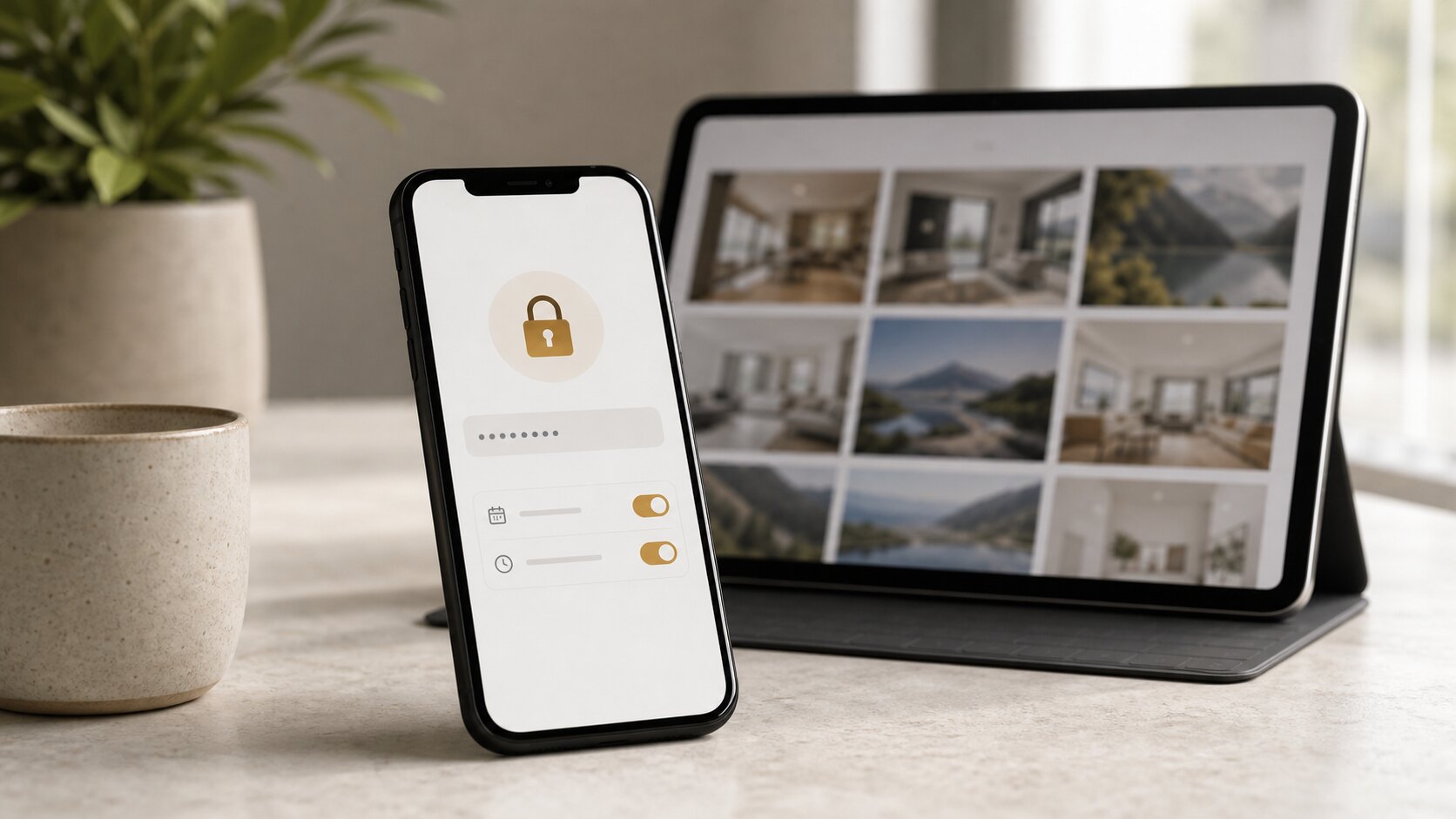
Private links are convenient because viewers do not need accounts. But some galleries deserve another layer. A password-protected photo gallery gives you a simple way to reduce accidental access when the content is sensitive, personal, commercial, or time-limited.
Use passwords for sensitive people or places
Consider a password when a gallery shows private homes, children, staff-only events, medical or wellness spaces, unpublished products, confidential venues, or anything a client would not want casually forwarded.
The password does not replace good judgement about who receives the link. It adds friction if the link travels further than expected.
Pair passwords with expiry dates
A password helps today, but an expiry date helps later. If a gallery is for review, approval, a campaign window, a listing, or a temporary client handover, set an expiry that matches the purpose.
Expiry is especially useful when you work with seasonal promotions, travel properties, event sponsors, or pre-release marketing assets. It keeps old links from becoming permanent doors.
Be deliberate with downloads
Viewing and downloading are different permissions. A client may need to review a gallery without downloading original files. A marketing manager may need approved images but not every source file.
Password protection does not automatically mean downloads should be on. Decide what each recipient needs to do, then set the gallery accordingly.
Keep the viewer experience simple
Security should not make normal clients feel lost. Use a clear password, send it separately when appropriate, and explain the gallery's purpose in plain language.
The goal is not to make sharing difficult. The goal is to make private photo sharing feel professional, intentional, and safe.
Understand what a password does and does not solve
A password reduces casual access. It does not stop an authorised viewer from taking screenshots, forwarding the password, downloading files if downloads are enabled, or showing the gallery to someone else. That is why passwords should be paired with thoughtful recipient choice and download settings.
Think of the password as one layer in a practical privacy workflow. It is useful, but it is not a substitute for deciding who should receive the gallery in the first place.
Send passwords with context
A password-protected gallery should not leave clients guessing. Tell them why the password exists and what they can do with the link. For example: "This gallery includes private interior images, so it is password-protected. Please keep the link within your project team."
That kind of message makes the extra step feel professional rather than annoying. It also nudges recipients to treat the gallery with the same care you used when sending it.
Use different settings for review and final delivery
During review, you may want a password, no downloads, and a short expiry. After approval, you may enable downloads for a smaller final set. Those are different phases of the same job, and the gallery settings should reflect that.
This is especially useful for commercial work, property launches, event sponsors, and family galleries where the first review set may include images that should not be widely saved or forwarded.
Watch for signs that access needs tightening
If a client keeps forwarding links widely, asks why unexpected people can view the gallery, or downloads files before approval, your default settings may be too loose. The fix is usually simple: add passwords earlier, shorten expiry windows, and separate proof galleries from final galleries.
Good privacy settings are not set once and forgotten. They improve as you notice how real clients behave.
Choose passwords people can use safely
A gallery password should be easy enough for the intended recipient to enter and strong enough not to be guessed casually. Avoid passwords that are the client's public business name, the property address, the event name printed on the invitation, or anything already visible in the email.
For sensitive work, send the password separately or use a phrase that is not obvious from the gallery itself. The goal is practical protection, not a puzzle that causes support emails.
Combine password protection with download restraint
Password protection controls entry. Download controls determine what a viewer can take away. If the gallery is for review, consider keeping downloads off until the client approves the images. If the gallery is final, enable only the downloads that match the agreement.
This distinction matters because many privacy problems happen after access is granted. A viewer who legitimately opens a gallery may still download or forward more than they should if the settings are too broad.
Review access after the job changes
A gallery that was safe during a project may need different settings later. A property listing goes public, then sells. An event recap moves from internal review to sponsor use. A family gallery is shared with a wider group. Each phase deserves a quick access review.
Build that habit into your workflow. When the job moves from draft to approved, or from private to public, revisit password, expiry, and download settings before assuming the old setup still fits.
A simple way to put this into practice
Choose one upcoming gallery and apply the guide deliberately rather than trying to redesign your whole workflow at once. Set the gallery name, check the access risk, clean up the images that create confusion, open the link as a viewer, and write a short message that tells the recipient what to do next.
After the client responds, note what caused friction. If they asked for a download, missed the expiry date, forwarded the link too widely, or were unsure whether the gallery was final, adjust your defaults. Good photo delivery improves one real job at a time.
Keywords: password protected private photo gallery, secure photo sharing, private gallery password, photo gallery privacy.