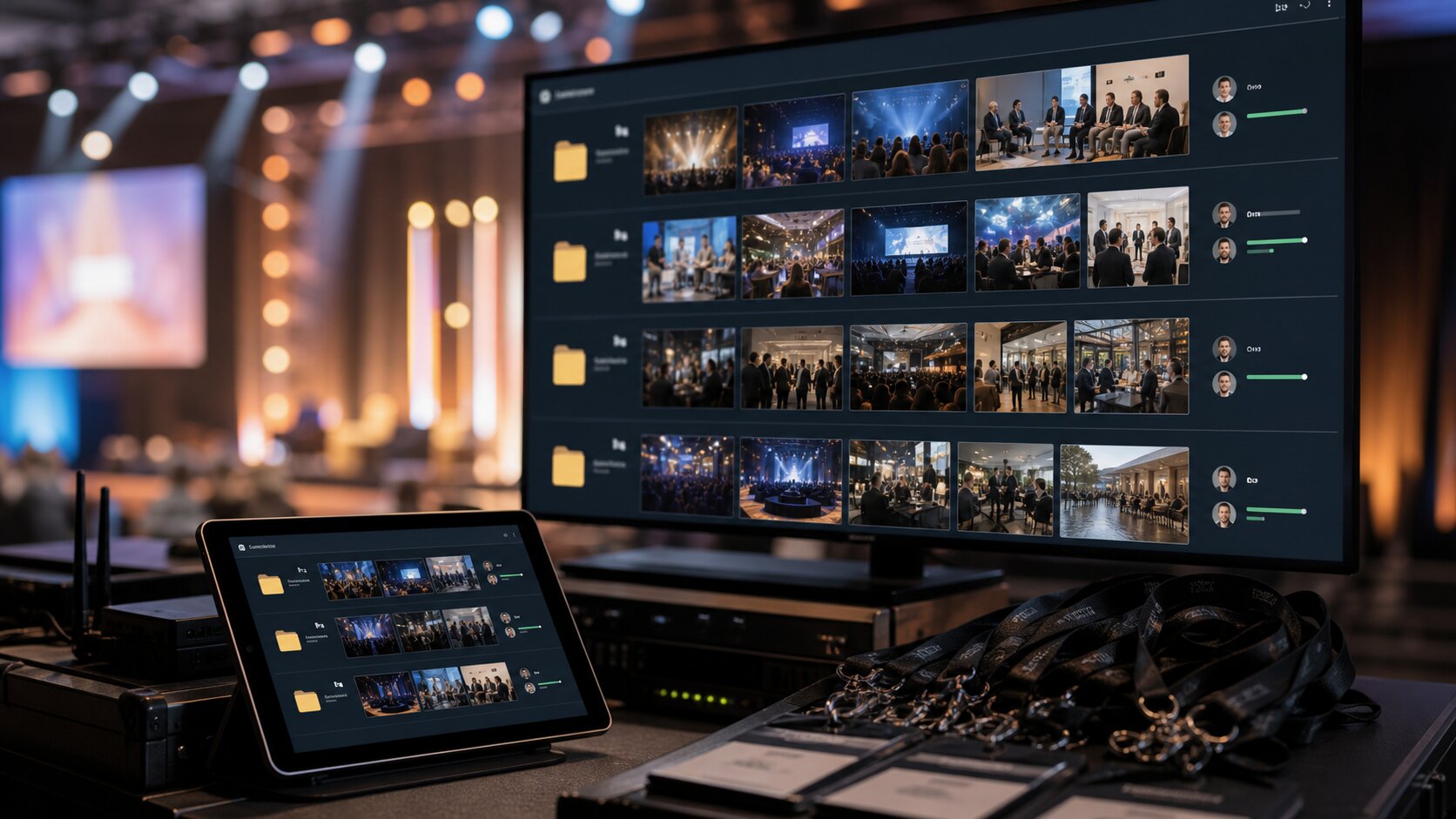
Event photos become valuable quickly and confusing even faster. Sponsors want brand moments, speakers want stage images, the venue wants atmosphere, and the organiser wants a full record. One undifferentiated folder rarely serves everyone well.
Decide who the gallery is for
An event may need one master gallery and several smaller client-facing sets. A sponsor does not need every arrival photo. A speaker does not need catering images. A venue does not need every close-up from a panel session.
Think in terms of recipients: organiser, sponsor, speaker, venue, internal team, media, and attendees. That makes it easier to decide what belongs in each gallery.
Protect private and unpublished moments
Events often include guests who did not expect every image to be public, behind-the-scenes spaces, staff areas, children, unreleased products, or sensitive client moments. Private links, passwords, and download controls are not only for luxury work; they are a normal part of responsible event delivery.
When in doubt, share a smaller approved set first and keep wider access limited to the people who need it.
Make downloads useful, not chaotic
Sponsors and marketing teams may need downloadable images, but that does not mean every viewer should have original-file access. Set downloads according to the recipient's role.
If someone only needs to review, let them review. If they need campaign assets, provide the final set clearly. The gallery should reduce back-and-forth, not create a second sorting job.
Deliver while the event still has momentum
The best time to send event photos is while people still care about the event. A private online gallery lets stakeholders review and use images quickly, even if the full archive or deeper edit comes later.
This is where a calm upload-clean-share workflow beats a slow handover. It gives the team something polished to work with while the story is still fresh.
Sort by stakeholder before sorting by beauty
The best-looking image is not always the most useful image for each recipient. A sponsor wants logo visibility and crowd energy. A speaker wants stage presence. A venue wants atmosphere and room setup. The internal team may need operational documentation that would never appear in a public recap.
Start by naming the stakeholders, then build galleries or sections for each one. This makes the gallery feel curated rather than dumped, and it helps every recipient find the images that support their job.
Handle consent and context carefully
Events can include vulnerable guests, children, private conversations, sponsor activations, unreleased material, and people who did not expect broad distribution. A private gallery gives you control, but it does not remove the need for judgement.
If an image could embarrass someone, reveal private information, or create a commercial conflict, keep it out of the broad gallery. Share sensitive sets with fewer people, use passwords when needed, and make download access intentional.
Create a fast recap set and a fuller archive
Event teams often need images quickly for social posts, sponsor thank-yous, press notes, or internal updates. Waiting for the perfect full archive can mean missing the moment. A fast recap gallery gives stakeholders usable images while the event is still fresh.
Later, you can add the fuller archive or create separate stakeholder galleries. This two-step approach is more useful than making everyone wait for every image to be processed.
Make reuse rights clear
If sponsors, speakers, or partners are allowed to use images, say what they can do. Can they post on social? Can they crop? Can they use images in advertising? Should they credit anyone? The gallery link is only part of the delivery; reuse expectations are part of the service.
Clear instructions reduce awkward follow-ups and protect both the event organiser and the people shown in the photos.
Create a useful naming system before the event
Before the event starts, decide how galleries will be named. Use plain names like Sponsor Highlights, Speaker Portraits, Venue Atmosphere, Media Recap, and Internal Record. This makes sorting faster after the event because you already know the destinations.
A naming system also helps clients understand what they are receiving. They should not have to open a giant folder and guess which images matter to them.
Separate social-ready images from archive images
Social-ready images are the polished, approved, easy-to-use set that stakeholders can act on quickly. Archive images are broader and may include context, alternates, or operational records. Mixing the two creates friction because people either get too much or use images that were not meant for public release.
A private gallery workflow lets you deliver a concise recap now and keep the archive controlled. That is more useful than treating every event photo as equally public and equally final.
Plan for the day-after requests
The morning after an event, people often ask for specific images: a sponsor banner, a speaker on stage, a team photo, venue details, or a crowd shot. If you have already sorted by stakeholder and purpose, those requests are easy. If everything is in one undifferentiated upload, they become a scramble.
Good gallery organisation is not just for the first delivery. It makes the follow-up requests faster, calmer, and less dependent on one person's memory.
A simple way to put this into practice
Choose one upcoming gallery and apply the guide deliberately rather than trying to redesign your whole workflow at once. Set the gallery name, check the access risk, clean up the images that create confusion, open the link as a viewer, and write a short message that tells the recipient what to do next.
After the client responds, note what caused friction. If they asked for a download, missed the expiry date, forwarded the link too widely, or were unsure whether the gallery was final, adjust your defaults. Good photo delivery improves one real job at a time.
Keywords: event private photo gallery, sponsor photo delivery, private event gallery, client event photos.