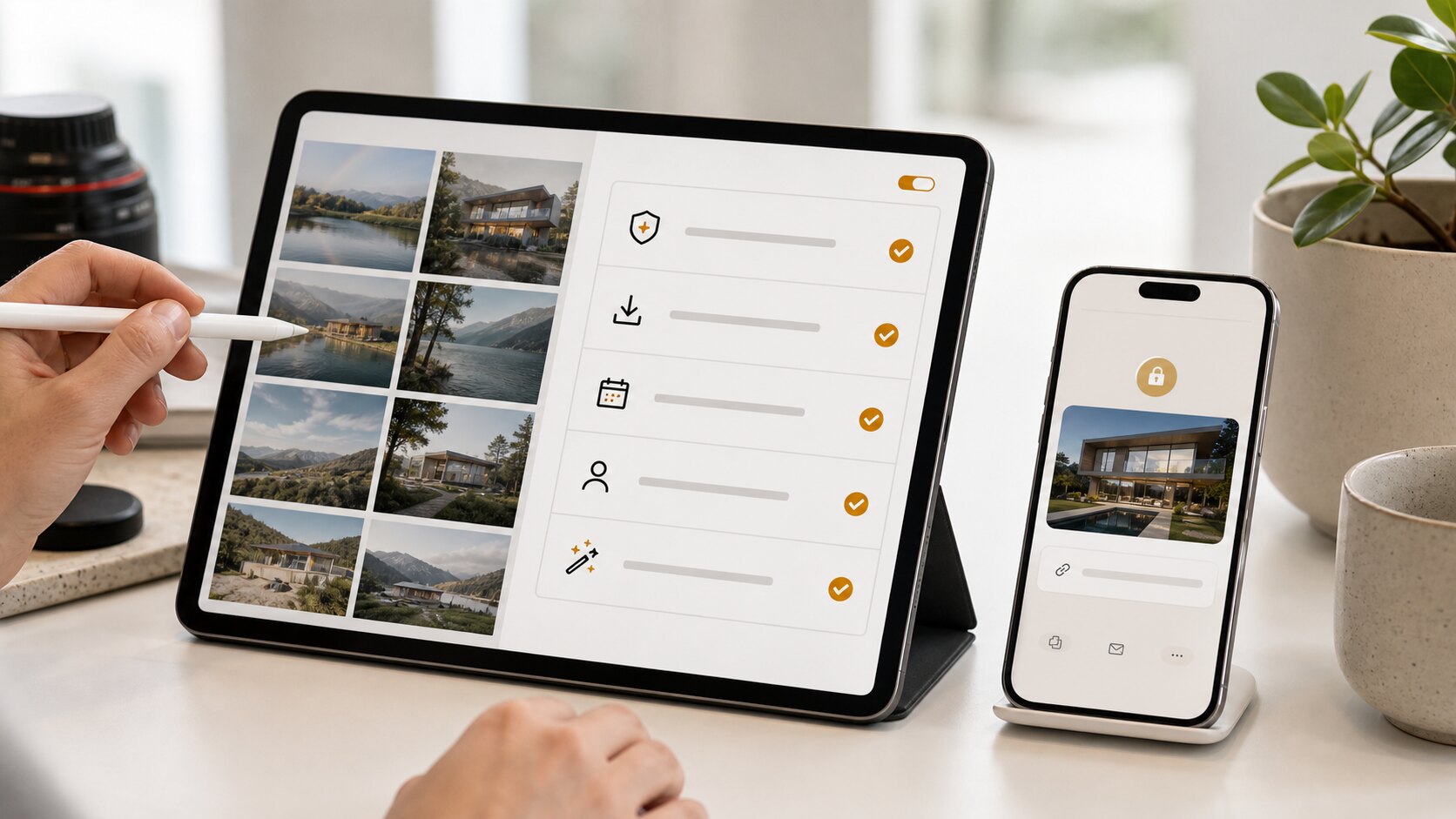
The best gallery delivery often comes down to a few quiet checks. You do not need a complex production process; you need a repeatable routine that catches privacy mistakes, rough images, missing context, and confusing download settings before the client opens the link.
Check the gallery name and cover image
The gallery name should be obvious to the client. Use their project, property, event, or business name rather than an internal shorthand. The cover image should confirm they are in the right place without exposing anything sensitive in a preview.
If the gallery will be forwarded inside a client organisation, assume the first viewer may not know the backstory. Clear naming reduces support messages and makes the delivery easier to trust.
Review privacy and access settings
Decide whether the gallery needs a password, whether the link should expire, and whether download access is appropriate. Sensitive client work, private homes, children, staff events, unpublished listings, and commercial campaigns all deserve an extra privacy check.
Remember that private gallery links are convenient because they do not require viewer accounts. That convenience works best when access settings are chosen deliberately.
Scan the image set like a client
Open the gallery and move through it as if you were the recipient. Look for duplicates, dark frames, accidental shots, test images, unflattering crops, and anything that raises a privacy concern. A two-minute review can prevent a messy follow-up.
If the client expects a final set, remove anything that looks undecided. If they expect proofs, make the proofing context clear so they understand the gallery is for review rather than final publication.
Send the link with the next action
The email or message that carries the link should tell the client what to do: view, download, forward to a colleague, or reply with approval. The gallery does the heavy lifting, but the message sets the expectation.
A private gallery link without a next step is still better than a folder dump, but a private gallery link with a clear next step feels like a finished service.
Check the gallery against five client questions
Before sending, assume the client will ask five questions: What is this gallery? Is it private? Can I download? Is this final? What do you need from me? If the gallery and delivery message answer those questions clearly, the client experience will feel organised.
If any answer is unclear, fix it before you send. Rename the gallery, add a short note, change the download setting, remove draft images, or rewrite the email. The checklist is not bureaucracy; it is a way of catching confusion while it is still cheap.
Do a privacy pass with names and faces
Look beyond image quality. Check whether filenames, gallery titles, client names, visible documents, number plates, addresses, staff badges, children's faces, or private interiors reveal more than intended. These details are easy to miss when you are focused on making the gallery look attractive.
For sensitive work, consider whether the client should receive a password separately from the link. If the gallery contains images that should never be forwarded, say that plainly in the delivery message. People are more careful when the expectation is explicit.
Test the download experience
If downloads are enabled, test what the client will actually receive. Are they downloading previews, final files, or originals? Is the ZIP naming clear? Does the gallery contain only the images you are comfortable giving away? A surprising download experience is one of the fastest ways to create client frustration.
If downloads are disabled, make sure that is intentional and explain the next step. For example, "Downloads are off while you review the proof set; I will enable the final download once you approve the selections." That turns a limitation into a clear process.
Use the same checklist every time
The value of a checklist is consistency. You should not have to remember every privacy and delivery decision under deadline pressure. Keep the same mental order: name, cover, image set, privacy, downloads, expiry, viewer test, delivery message.
Over time, this becomes part of your service. Clients may never see the checklist, but they feel its effect: galleries arrive cleaner, links behave as expected, and there are fewer awkward corrections after delivery.
Make the checklist visible to your team
If more than one person sends galleries, the checklist should not live in one person's head. Put the steps in your internal notes, onboarding document, or delivery template. The sequence can be short: title, cover, cull, privacy, password, expiry, downloads, viewer test, message.
Consistency matters because clients experience the business, not the individual team member. A repeatable checklist means the gallery feels equally polished whether it was sent by the owner, assistant, coordinator, or someone travelling between jobs.
Add a review step for sensitive jobs
For sensitive galleries, use a second-person review before sending. This is useful for property interiors, children, private events, staff photos, medical or wellness settings, legal records, and commercial launches. The second reviewer is not judging the photography; they are looking for privacy, context, and accidental exposure.
Ask them to look for addresses, faces, documents, reflections, number plates, awkward images, and files that should not be downloadable. A second set of eyes catches things the uploader misses because they are too close to the job.
Keep a short delivery template
A good delivery template saves time and improves clarity. It should include the gallery purpose, privacy note, download status, expiry date, and next action. You can adapt it for each client without writing from scratch.
For example: "Here is your private gallery for review. Downloads are off while you choose the final images. Please reply by Friday with any removals or favourites. I will then update this same gallery with the approved final download set." This is practical, polite, and hard to misunderstand.
A simple way to put this into practice
Choose one upcoming gallery and apply the guide deliberately rather than trying to redesign your whole workflow at once. Set the gallery name, check the access risk, clean up the images that create confusion, open the link as a viewer, and write a short message that tells the recipient what to do next.
After the client responds, note what caused friction. If they asked for a download, missed the expiry date, forwarded the link too widely, or were unsure whether the gallery was final, adjust your defaults. Good photo delivery improves one real job at a time.
Keywords: client photo gallery checklist, private photo gallery link, photo delivery checklist, secure gallery sharing.